Loopz


Loopz Description
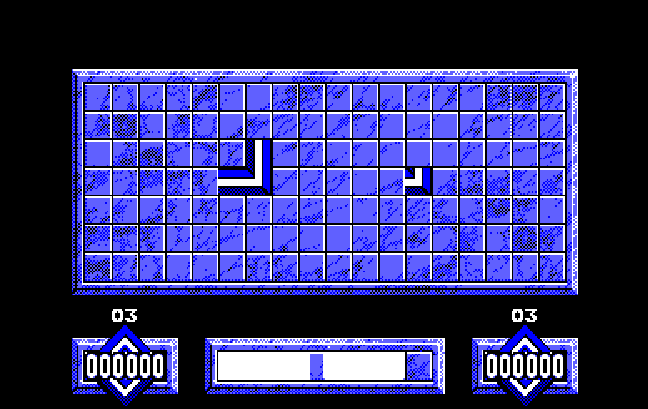
A puzzle game where the main goal is to make loops! Random pieces are presented over a board, including simple lines and corners as well as S bends and other warped shapes, of varying sizes. It is up to the player to link them up in a loop form, then moving on to the next level. Pieces can be placed on any empty space on the grid, and rotated into one of the four main compass directions.
Any pieces which are not part of the finished loop when a level is completed are left on the screen, so there is value in playing towards 2 distinct loops, to ensure that you have options depending on which pieces are drawn - unlike Pipe Dream there are no clues as to which pieces are coming next.
Three play modes are available, two of which can be played with two players. Game A is freestyle - simply make loops, gaining extra points for size and style.
Game B is about unlocking bonus boards of the game by reaching a certain score and uses a bonus multiplier method depending on loop difficulty.
The third mode of play begins with an already made loop and then removes random pieces of it, so the player has to put them back in when they appear again. It is essentially a memory test and logic puzzle of fitting the pieces back as one remembers - although placing a piece where it seems to fit is also often effective.
How to play Loopz
Use the Right-Alt key to select level.

