Oberon 69




Oberon 69 Description
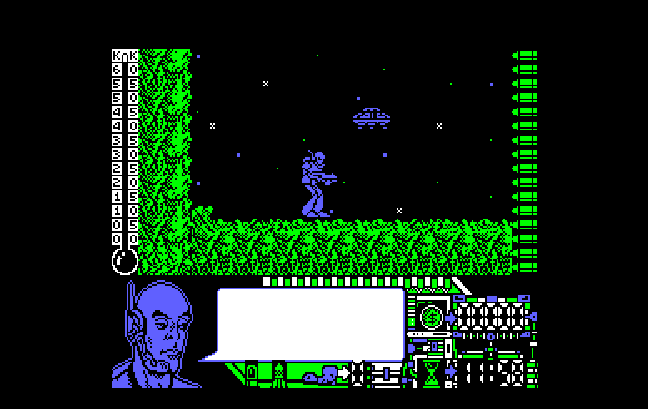
You find yourself in a world where the air has become unbreathable and Sun's light barely reaches planet Earth. With your planet almost desertic, many cities began to be built in other planets of the solar system. But... in Oberon, the fourth satellite, there appeared an strange life form, which did just awake from its lethargy. The worst of all is that these new creatures have started attacking the human populations, even if they are babies!
Without wasting any more second, you decide to go to Oberon to save the few babies still alive, before they are eaten by these monsters. Once there, your mission would be to find the babies and send them to planet Earth in a safe way. For this, you will have to buy a cryogenic valve for each one of them in the ATMs of the Company, in order to provide them more safe travel. When you finish the mission, you will have to buy a ticket back to Earth.
Oberon 69 is an arcade platformer where you will have to use your pistol to kill larvae, tentacles, robots, alien queens and her eggs, with the advantage that you can make frontal or vertical shots.
How to play Oberon 69
Each game uses different controls, Games can have combination of mouse,keyboard and Joystick.

