Pinball Power




Also known as
3D-Pinball
Pinball Power Description
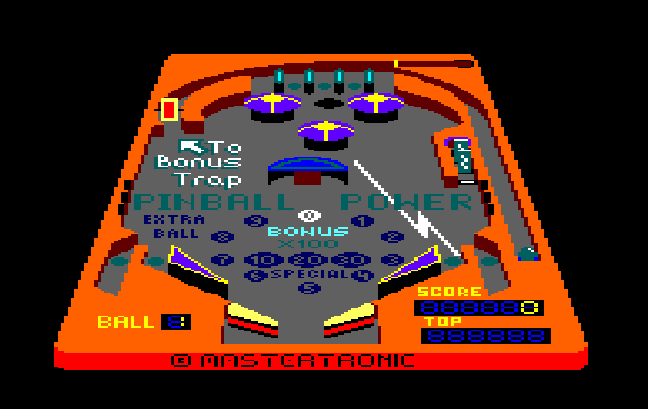
A standard pinball table is featured in this simulation, but with the original addition of a tilted view of the table, giving an illusion of 3D. As with any table, the aim is to get a high score, and this is done by hitting particular targets repeatedly. There are bonus ramps, bumpers, lights to be hit to increase your bonus count (which can be toggled using the left and right flipper keys). There is no 'pin' between the flippers, and no apparent tilt feature, meaning that luck plays a bigger part than in most pinball games. The ball is always launched at a standard speed on each of your five lives.
How to play Pinball Power
Each game uses different controls, Games can a combination of mouse,keyboard and Joystick.

